Hosted checkout
Send the customer to the SpicePay-hosted payment page returned by the create-payment response.
How it works
Send the customer to the SpicePay-hosted payment page returned by the create-payment response. It handles the method interface, authentication challenges and provider redirects.
Implementation
The standard URL is https://checkout.spicepay.net/pay/{merchant_id}/{payment_id}. Set return_url for the customer's return and configure appearance per shop. Query parameters can select a pane, theme or locale where supported. Browser-return parameters are display hints only; retrieve the payment or verify its webhook before marking the order paid. A session expiry requires a new payable session. Do not expose your server key in the checkout URL.
URL parameters
| Parameter | Effect |
|---|---|
pane |
Open on one payment method. |
autoRedirect=true |
Skip the checkout; go straight to a redirect provider. |
payment_method, payment_provider, mca |
Method, connector or connector account for autoRedirect. |
theme |
A named appearance. |
locale |
Override the language. |
Related guides
Request examples
https://checkout.spicepay.net/pay/{merchant_id}/{payment_id}?pane=cardhttps://checkout.spicepay.net/pay/{merchant_id}/{payment_id}?payment_method=crypto_currency&autoRedirect=true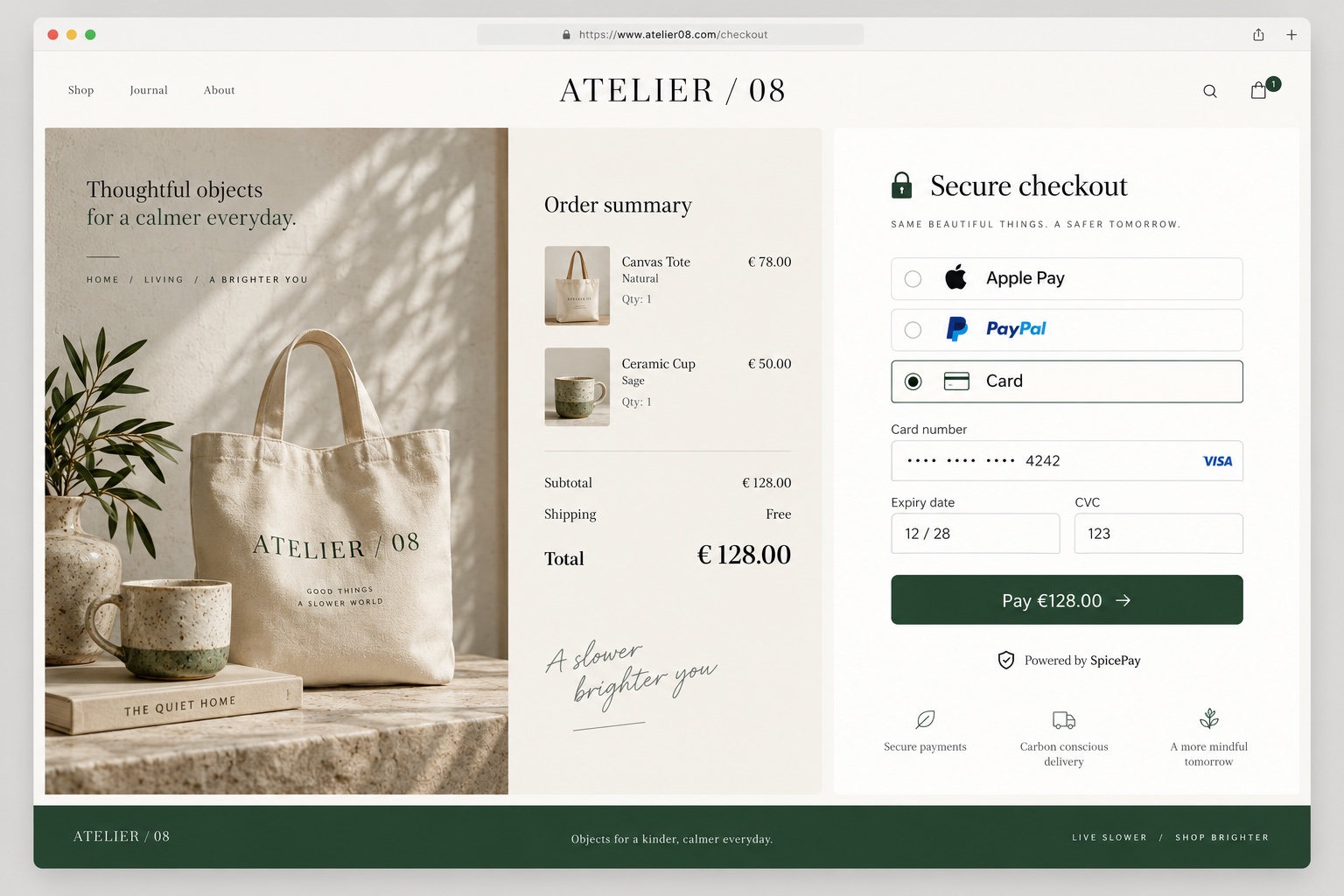
Fragen zu deiner Integration? SpicePay kontaktieren ↗