SPICEPAY DEVELOPER DOCS
Checkout appearance
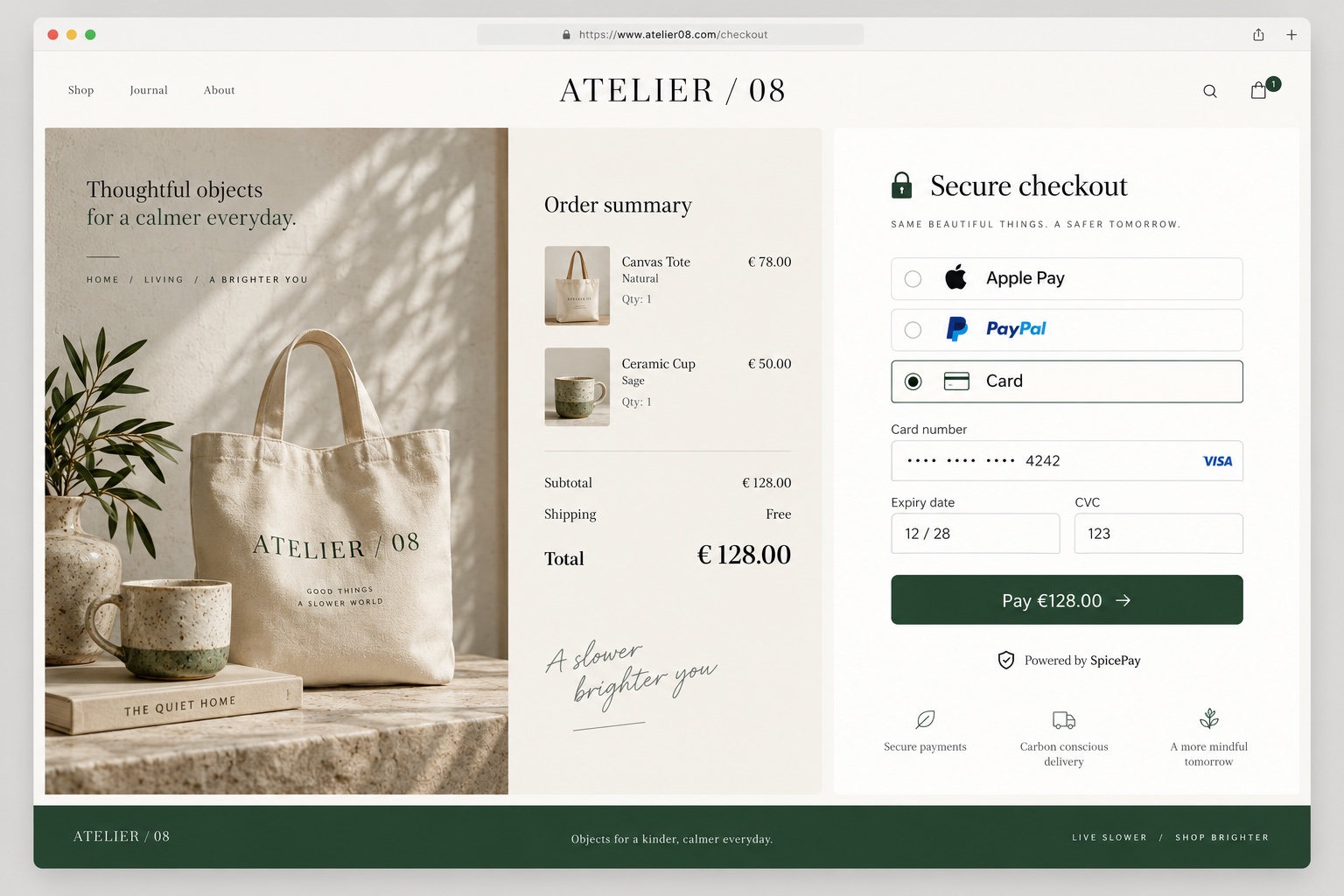
Match the checkout to your shop with brand identity, colors, typography, layout and buyer-facing copy.
How it works
Match the checkout to your shop with brand identity, colors, typography, layout and buyer-facing copy. The preview uses a sample order so you can inspect the payable total.
Implementation
Set logo and brand information, then review desktop and mobile layouts. Configure content, language text, custom fields and supported CSS without obscuring the amount, payment action or provider requirements. Price badges should reflect real discounts or surcharges. Save the intended theme and verify the saved checkout, since an unsaved preview does not reach buyers.
In this area
- Brand
- Colors, Style and Layout
- Discounts and surcharges
- Content
- Text and languages
- Custom fields
- Custom CSS
- Themes
Related guides
Fragen zu deiner Integration? SpicePay kontaktieren ↗